Guides
1. Set Up with the LAAS App
Download the app:
- App Store (iOS): LAAS on the App Store
- Google Play (Android): coming soon
- Android direct download: LAAS-v0.9.3.apk
Pair the lock:
- Open the app and follow the instructions
- Enter your lock’s serial number
- Name your lock
Sign in with Apple or Google. This is optional, but it helps. If you lose or replace your phone, you can sign back in with the same account and regain access to your lock.
Minimum requirements:
- iPhone X or newer (iOS 16+)
- Android 8.0+
2. Add to Apple Find My
Set this up in the Apple Find My app, not in the LAAS app.
Steps:
- Locate the button on the side of the lock
- Press the button 3 times
- The LED will start blinking (this means pairing mode is active for 10 minutes)
- Open the Find My app on your iPhone
- Tap the + icon
- Select “Add Other Item”
- Select Ring-Lock when it appears
- Tap Connect
3. Mount the Ring-Lock
With Frame Mounting Holes
What you need:
- The included M5 screws
- 4 mm hex key (not included)
Installation:
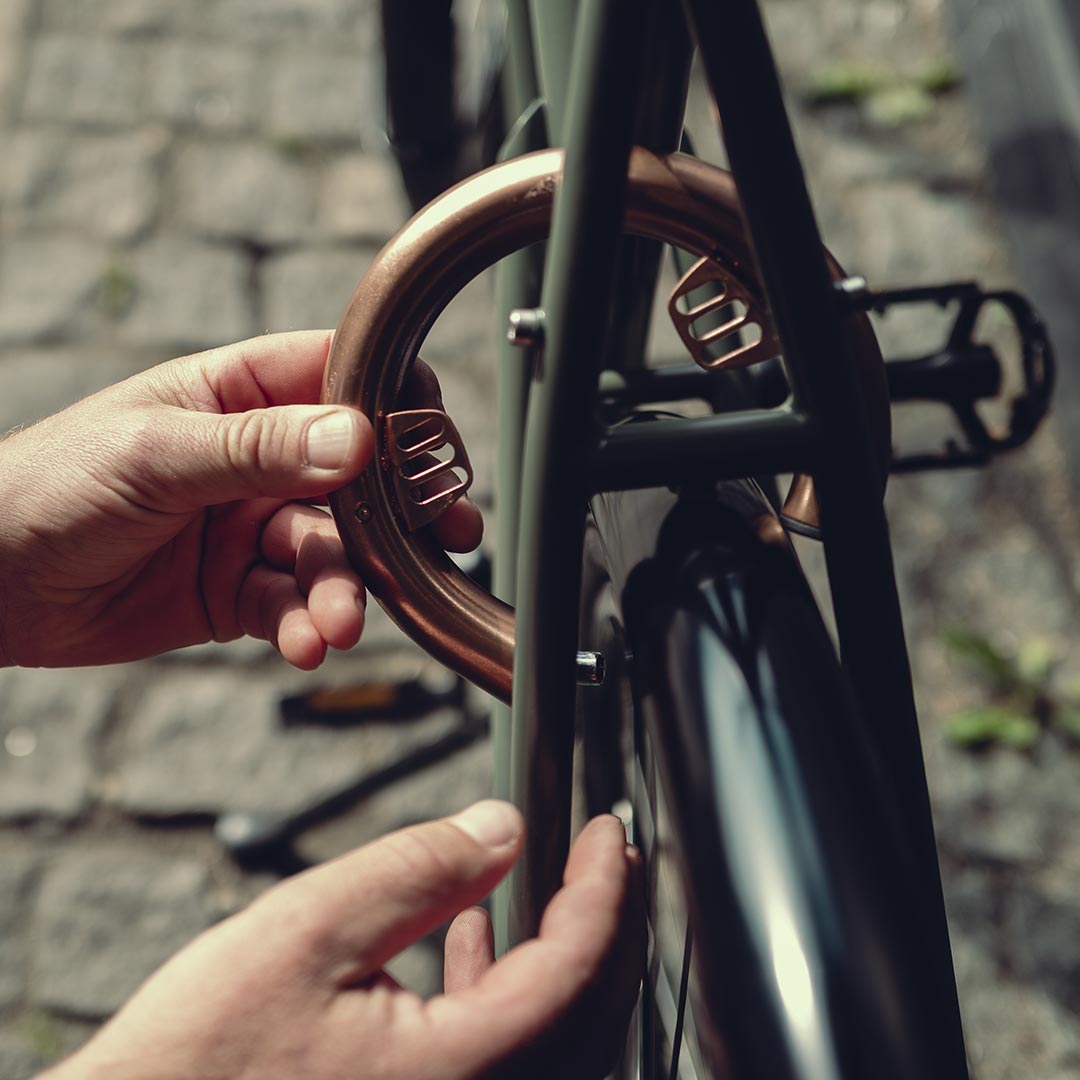
- Line up the lock bracket with the frame holes, choose the mounting holes best suited for the height.
- Insert the M5 screws
- Align and tighten with a 4 mm hex key
Before you rideMake sure the lock clears your tire.
Without Frame Mounting Holes
Use the LAAS Flex-Mount accessory.
What you need:
- LAAS Flex Mount
- 4 mm hex key
- Flathead screwdriver
- Pliers or knife (to trim excess clamp)
Step 1: Attach brackets to the lock
- Place the metal nuts into the slots inside the Flex Mount brackets
- Loosely attach the brackets to the Ring-Lock using the M5 screws and 4 mm hex key
- Do not tighten yet
Step 2: Bend the clamp strips. Gently bend the plastic clamp strips before mounting. This makes them easier to wrap around the frame.
Step 3: Wrap around the frame
- Wrap the clamp strips loosely around your bike frame
- Insert the plastic screws to secure the strips.
- Tighten slightly with a flathead screwdriver
- Do not fully tighten yet
Step 4: Align and tighten. Adjust the Ring-Lock so it sits straight and centered. Make sure there is clearance between the lock and tire.
- Tighten the M5 screws with the 4 mm hex key
- Tighten the plastic clamp screws with the flathead screwdriver
Step 5: Trim excess. Cut off any excess clamp strip length using pliers or a knife.
Before you rideMake sure the lock clears your tire.
4. Lock & Unlock
To lock: Lift and rotate the handle until it clicks.
To unlock: Tap Unlock in the LAAS app
6. Battery & Charging
Charge time: About 90 minutes for a full charge
Where to charge: The USB-C charging port is under the rubber lid on the side of the lock.
What you can use: Any USB-C power source: phone charger, laptop, power bank, or another phone that supports USB-C power output.
Do not charge below 2°C (about 35°F).
How to know when it is fully charged: The LED light on the lock will turn off when the battery is full. The battery percentage shown in the app may not be accurate while charging, so wait for the LED to turn off.
Battery life: About 6 months with normal use. It will drain faster in winter.
7. Apple Find My Instructions
Serial Number Lookup
To find your lock’s serial number using Find My:
- Locate the button on the side of the lock
- Press the button 4 times quickly
- The LED will flash with each press
- Then the LED will blink in a pattern: blink-blink-pause, repeated 6 times
- Your lock’s serial number will show in the Find My app
Disable Tracking
- Locate the button on the side of the lock.
- Press and hold the button for 10 seconds.
Reset to Factory Settings
This erases all settings and unpairs the lock from your account.
- Locate the button on the side of the lock
- Press the button 5 times quickly
- The LED will light up with each press
- After the fifth press, the LED will flash rapidly (5 times per second) for 5 seconds
- The LED then stays solid for 2 seconds
- The lock is now reset. If it is unpaired, it will enter pairing mode
8. Troubleshooting
The App Will Not Unlock the Lock
- Close the LAAS app completely and reopen it
- Make sure you are within about 10 meters (30 feet) of the lock
- Try unlocking again
- Check that the lock is charged.
If it still does not work, move closer to the lock.
The Lock Will Not Respond / Lock Appears Frozen
Try this:
- Close the LAAS app
- Turn off Bluetooth on your phone for 10 seconds
- Turn Bluetooth back on
- Reopen the LAAS app and try again
The Lock is Physically Stuck or Jammed
Do not force it. This can break the mechanism.
What to do:
- Try turning the handle gently back and forth to loosen it
- If the lock appears iced or frozen (in winter), bring it inside to a warm place for 30 minutes, then try again
9. Software Updates
The lock’s software can be updated through the LAAS app.
How updates work:
- When an update is available, you will see a notification in the app
- The app will guide you through the update step-by-step
Updates take less than a minute.
Questions? hello@laas.me · +45 40 85 30 99
To use the Apple Find My app to locate this item, the latest version of iOS, iPadOS, or macOS is recommended.
Use of the Works with Apple badge means that a product has been designed to work specifically with the technology identified in the badge and has been certified by the product manufacturer to meet Apple Find My network product specifications and requirements. Apple is not responsible for the operation of this device or use of this product or its compliance with safety and regulatory standards.
Apple, iPad, iPhone, Mac, and Find My are trademarks of Apple Inc., registered in the U.S. and other countries. Legal notice
Check this page out for guides for your LAAS products. We'll update the guides as we launch new locks.